
Less paperwork
Keep routes, expenses and documents together instead of relying on loose notes.
Clearer work on the road
Organise routes, mileage, expenses, allowances and documents from your phone, without splitting your day across notes, photos and calculations.
No card · PRO for a one-off €15 payment
Illustrative feature demo · Not a real product screenshot
Less mental load
KamionCloud turns scattered tasks into a simple routine you can check from your phone.
Keep routes, expenses and documents together instead of relying on loose notes.
Keep history and expiry dates clear so you can find information when you need it.
Review mileage, expenses and activity without redoing calculations or searching through folders.
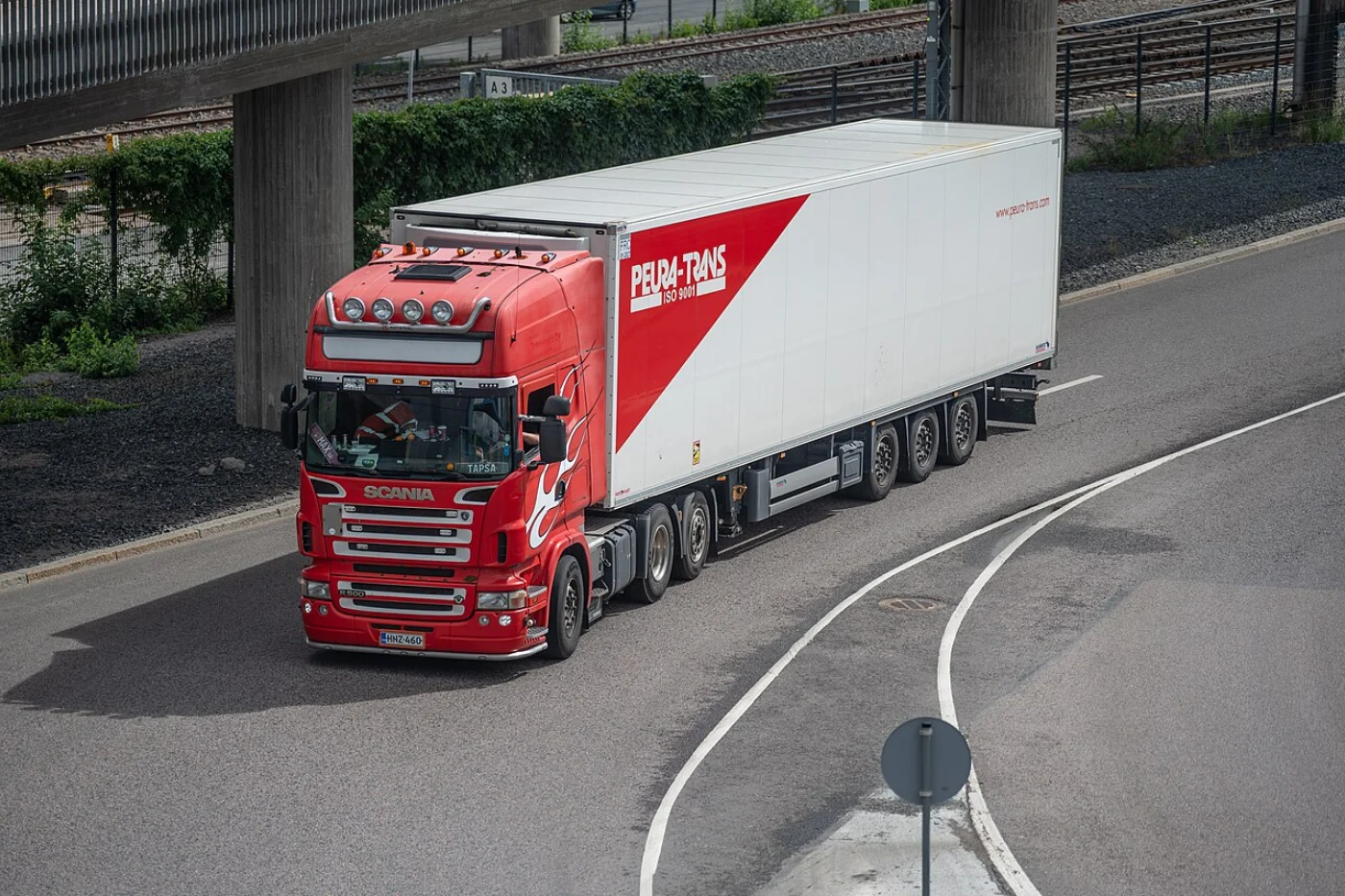
Built for the road
KamionCloud brings together what you record during a trip, so you know where to find every detail when you stop or finish the month.
How it helps
These are not isolated features: they make it clearer to record a route, review the month and keep documents up to date.
Illustrative feature demo · Not a real product screenshot
Record departures, stops, loading, unloading and distance, then find the history for each trip.
Link fuel, tolls, accommodation and allowances to each route and see what you have recorded.
Keep important files and dates together instead of checking separate notes, galleries and folders.
OCR helps reduce typing. The trial includes 10 uses and you must always check the result.
Use an additional planning reference, always alongside the tachograph and applicable regulations.
Return to recorded activity whenever you need to review information or prepare a report.
Rest reminders are guidance only and do not replace the tachograph or applicable regulations. Always review data extracted by OCR.
Easy to get started
Create your account and start organising information from your first trip.
Create a free accountRegister with your email. You do not need to enter a bank card.
Add routes, expenses, allowances and documents from your phone or browser.
Check history, expiry dates and information for each route whenever you need it.
Clear pricing
Try KamionCloud features for 60 days before deciding whether PRO fits your work.
KamionCloud is an organisational support tool. Read the current terms for the full scope of the service.
PRO access
€15one-off payment
OCR can make mistakes. Always review data before saving it.
A real need
KamionCloud began with a practical need: to stop spreading daily information across notebooks, photos and manual calculations. That is why it prioritises clear tasks and a direct experience.
Useful technology without adding complexity to the job.
In your language
The landing page is available in Spanish, English, French, German, Portuguese, Romanian, Polish and Russian.
Common questions
Direct answers about the trial, PRO, installation and the tool's limits.
No. You can use it in a compatible browser. If your device supports it, you can also add the web app to your home screen.
Yes. KamionCloud is a web app designed especially for mobile and is also accessible from a desktop browser.
No. You can create an account and start the 60-day trial without entering a bank card.
You can activate PRO access with a one-off €15 payment, with no monthly subscription, under the current terms.
OCR helps extract data from digitised forms. The trial includes 10 uses. Like any automated recognition, it can make mistakes and you must review the result.
We do not present KamionCloud as a fully offline app. Registration, synchronisation and features such as OCR need a connection; availability of other views may vary.
No. They are organisational guidance. The tachograph and applicable regulations are always the mandatory reference.
Open KamionCloud.app in a compatible browser and use the browser menu option ‘Add to Home screen’ or ‘Install app’.
Contact
Write to us with your question. Do not send documents, passwords or sensitive information through this form.
contact.gacommercesl@gmail.comStart at your pace
Try KamionCloud for 60 days and calmly decide whether it fits the way you work.